The Best WordPress User Registration Plugin
The Easiest Way to Build User Registration Forms in WordPress
Build Custom Registration Forms for Any Site
Create front-end registration forms for members, contributors, students, or customers. With Formidable, you can assign roles, collect custom profile data, and let users log in and manage their own accounts, all without touching code.

Front-End Registration Forms
Let visitors create an account without ever seeing the WordPress admin.

Automatic Role Assignment
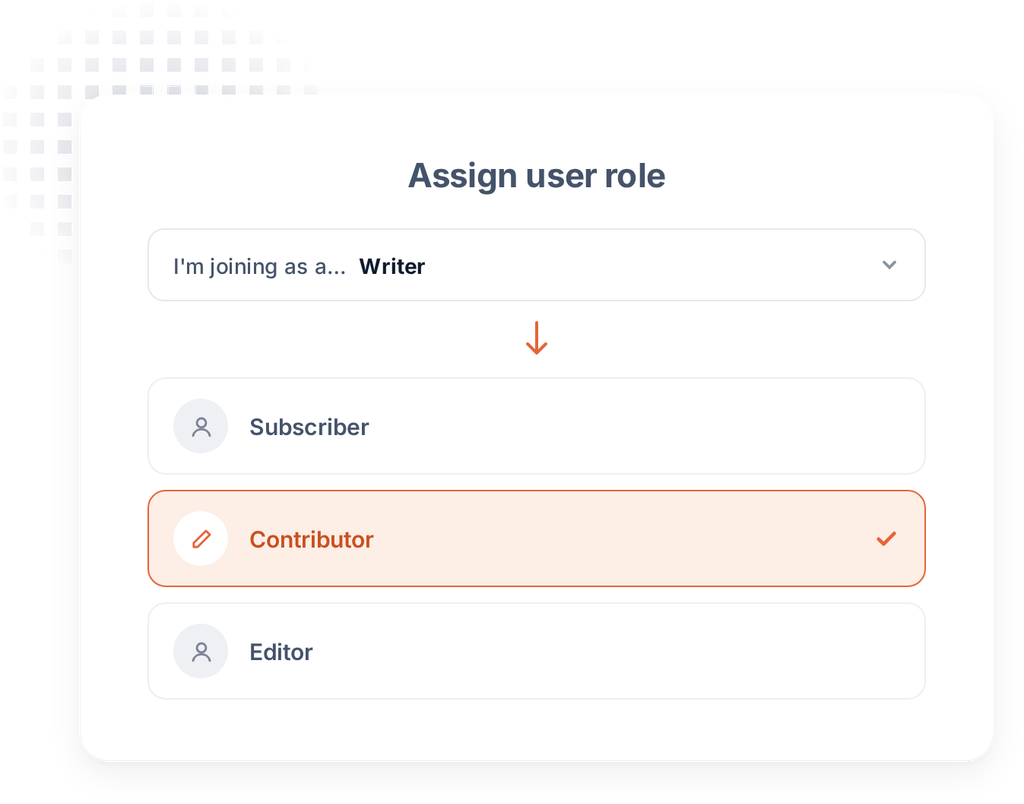
Assign a specific user role the moment someone registers.

Custom Registration Fields
Collect bios, avatars, company info, or any custom profile data at signup.

Email Verification
Confirm new accounts with an activation email before granting access.

Front-End Profile Editing
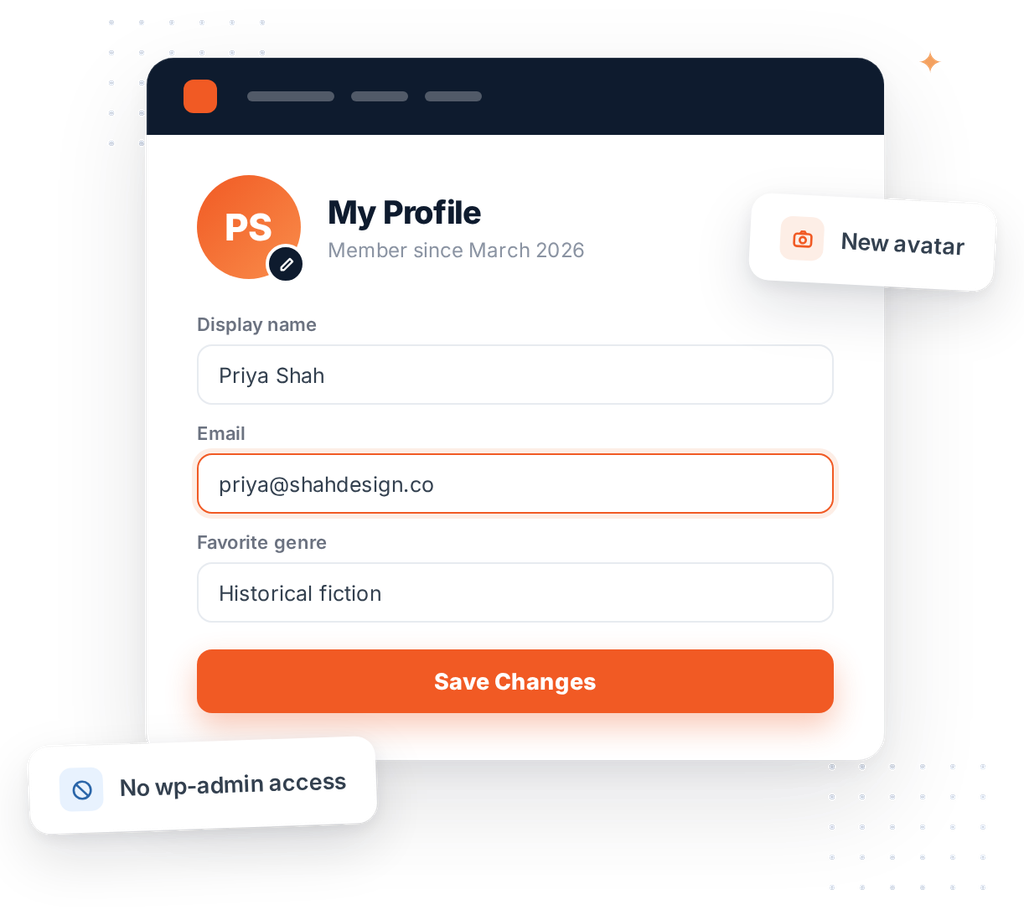
Let users update their name, email, and custom fields after registering.

Login and Password Reset
Give users a branded login experience without leaving your site.

Conditional Registration Logic
Show or hide fields based on the role or plan someone selects.

Spam and Bot Protection
Block fake signups with reCAPTCHA and honeypot fields built in.
Let Visitors Register From the Front End
Skip the default WordPress registration screen. Build a branded, front-end form that matches your site, then assign a role like Subscriber, Contributor, or a custom role the moment someone signs up.
- Design a registration form that matches your brand
- Assign a default or conditional user role on submit
- Redirect new users to a welcome page or dashboard

Verify Every New Account
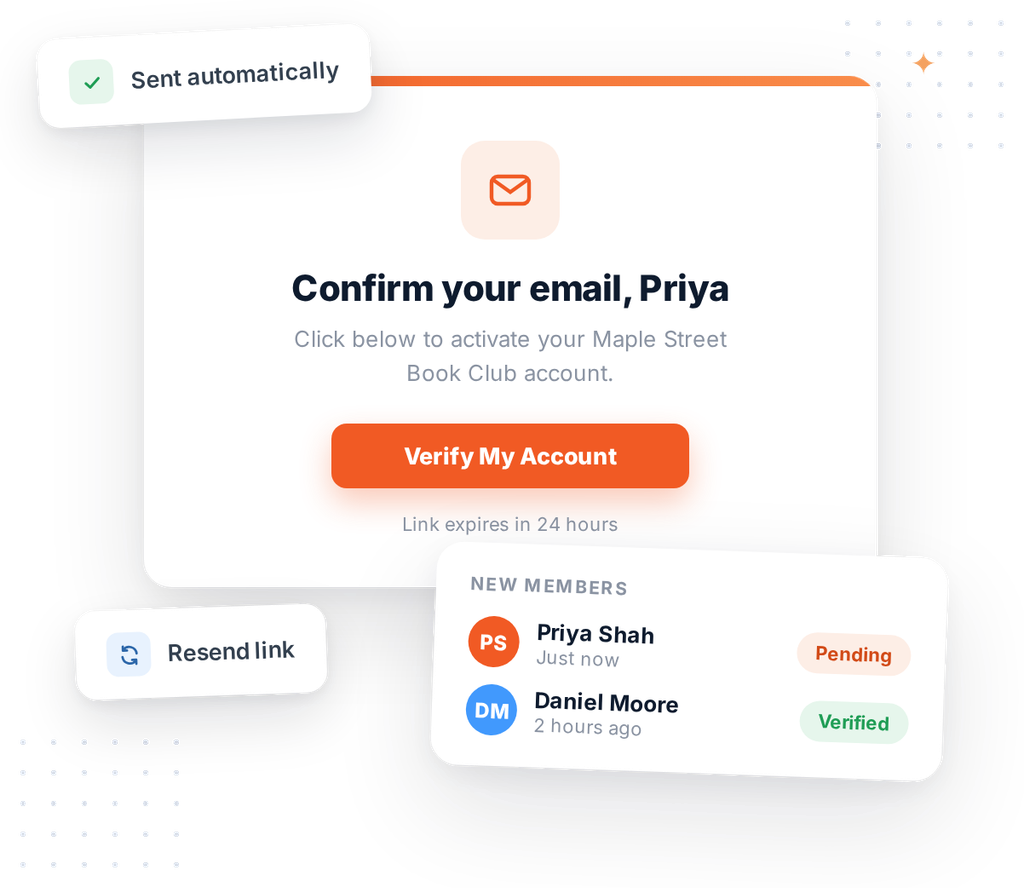
Require email verification before granting access to your site. Formidable sends a confirmation email the moment someone registers, and holds the account until they click to verify.
Reduce spam accounts and keep your member list clean, without lifting a finger.
- Automatic verification emails on every signup
- Accounts stay inactive until confirmed
- Resend verification with one click
Let Users Manage Their Own Profile
Once someone registers, give them a front-end dashboard to update their name, email, avatar, or any custom field, no admin access required.
Popular User Registration Templates to Start From
Skip the blank screen. Launch from a prebuilt user registration form and customize it in minutes.
Edit User Profile Form Template
Book Club Registration Form Template
Simple User Registration Form Template
User Registration Form Template
Powerful Registration Fields Built for Every Scenario
Formidable gives you every field you need to build a complete registration form, from account basics to custom profile data and role assignment.
Assign the Right Role Automatically
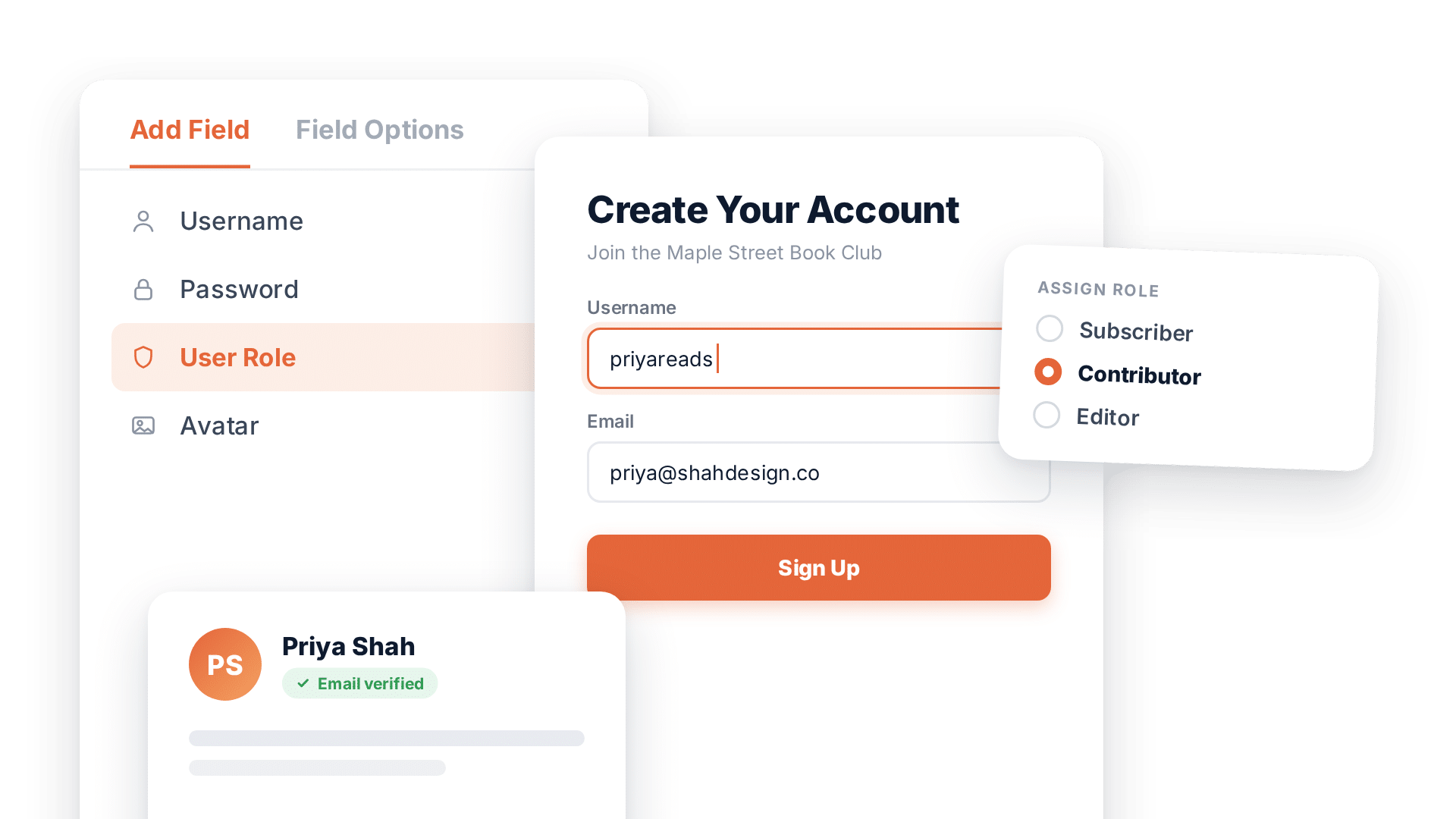
Map a dropdown, radio button, or hidden field to a WordPress user role. Every new signup gets the correct permissions instantly, no manual approval needed.
Collect the Details That Matter to You
Add bios, company names, phone numbers, avatars, or any custom field, and save them straight to the user's WordPress profile.
Give Every User a Branded Login
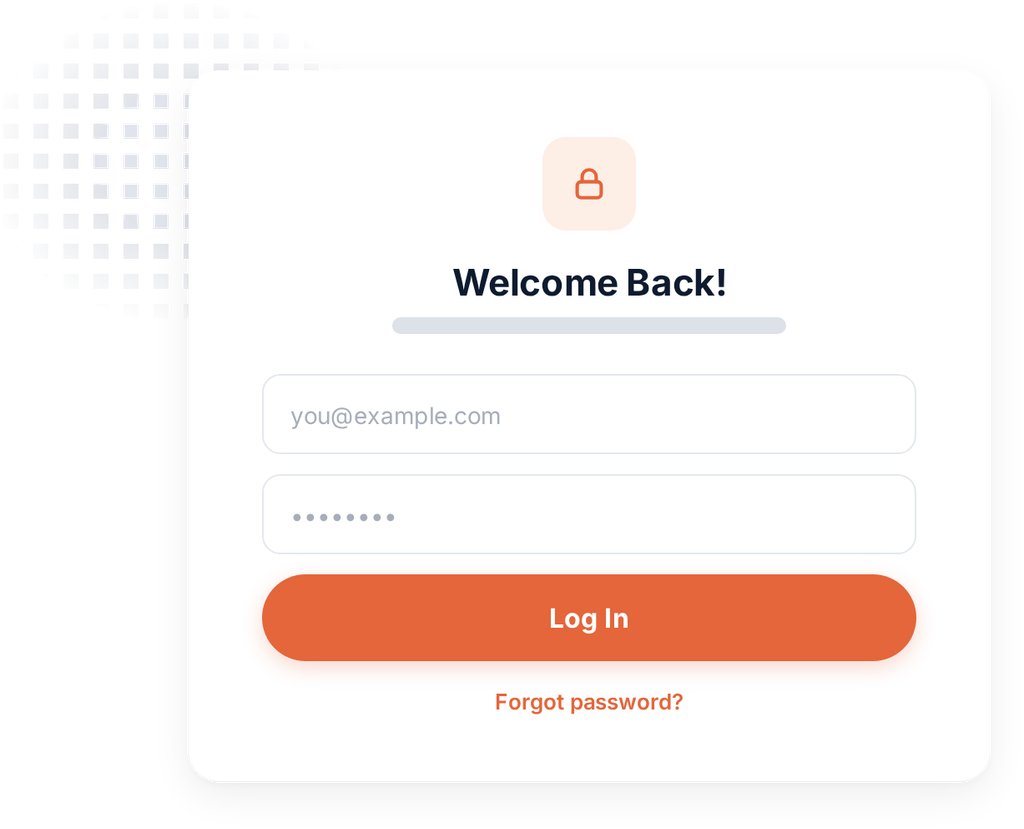
Replace the default WordPress login screen with a front-end login form that matches your site, complete with password reset built in.
Verified and Secure Signups
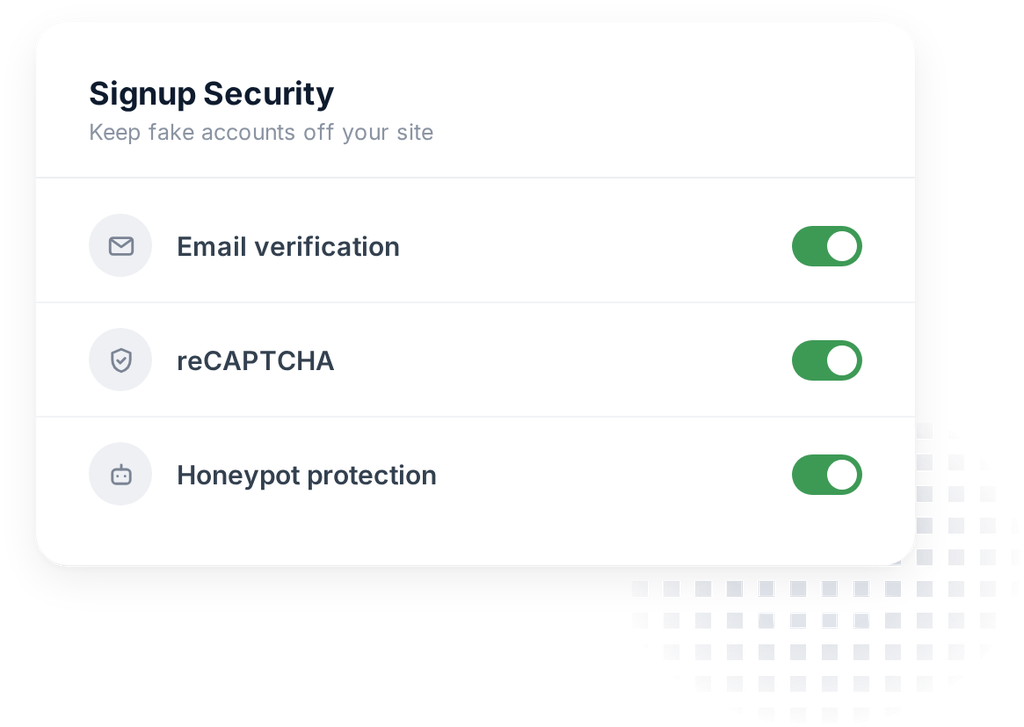
Require email verification before granting access, and block spam registrations with built-in reCAPTCHA and honeypot protection.

Frequently Asked Questions & Resources
Do you have a question about Formidable Forms? See the list below for our most frequently asked questions. If your question is not listed here, please contact us.
Do I need coding skills to create custom registration forms?
Absolutely not. Just drag and drop the fields you need (email, password, custom fields) and you're done. The form builder makes it easy to create registration forms without any coding knowledge.
Can I assign different user roles automatically?
100% yes. Formidable automatically assigns users the role you specify in the settings. Perfect for membership sites, online schools, or any site where users need different access levels.
Can users register entire teams at once?
Yes, with repeater fields, users can register multiple people in a single form submission. Coaches can register entire sports teams, parents can register all family members, all in one go.
Can I require email verification before accounts are activated?
Absolutely. Turn on email confirmation and users receive an activation link via email. Until they click the link, their account stays pending. This helps prevent fake registrations.
Can users edit their own profiles without accessing the admin area?
Yes, users can update their information from the front-end of your site without ever seeing the WordPress dashboard.
How do I protect registration forms from spam?
Formidable includes Google reCAPTCHA and Cloudflare Turnstile options built-in. Just turn on spam protection in your form settings.
Can I create multi-step registration forms?
100% yes. Break long registration forms into multiple pages to reduce friction and increase completion rates.
Can I customize what information gets collected during registration?
Absolutely. Add any fields you need: first name, phone number, address, emergency contacts, or any custom information. You're not limited to just email and password like standard WordPress registration.
What are Formidable Views
Views are a way to transform and revolutionize what you do with collected form data in WordPress. With Views, you have a tool to build something truly unique and memorable.
Views allow you to build an application or display for your form data to feed into. Any data that is submitted through a Formidable form can be displayed beautifully, searched for, or filtered on the front end of your site.
What does low-code mean?
Low-code refers to a user interface (UI) platform that provides a development environment used to create web applications. So, instead of writing many lines of code, most options and settings are built-in to allow users the freedom to build web apps easily.
Does the Formidable team offer customer support?
We've been training WordPress warriors for 11+ years with our vast amount of support articles.
You'll find helpful tutorials on how to create a view, how to publish a view, and dozens more help docs devoted to displaying your form data with style.
Learn more: How to Create a View
Is Formidable Views a WordPress 'form to post' plugin?
Wondering if Formidable includes post submission form tools? Sure does. Collect user-submitted content with our WordPress custom fields. These include fields to collect all kinds of post content.
Image upload fields for featured images, text fields for text, hidden fields for tracking, and much more. Formidable even has 100+ form templates to help you collect data quickly and easily.
Learn more: User Submitted Posts & Pages