Last updated on June 18, 2026 by Formidable Team

11 Best WordPress Quiz Plugins for Any Quiz Type (Free and Paid)

Looking for the best WordPress quiz plugin? The right one depends on whether you want a viral personality quiz, a lead-generating product recommendation quiz, or a graded course exam. In this guide, we'll compare 11 of the best WordPress quiz plugins, free and paid, and pinpoint the job each one does best.

Best WordPress Quiz Plugins

Approximate read time: 14 minutes

How we picked

On a feature list, most quiz plugins look interchangeable. In practice they're built for very different jobs. The tool that nails a "Which Office character are you?" personality quiz has almost nothing in common with one built for a timed final exam, and the plugin that captures leads well might not take payments at all. A great quiz plugin is simply the one that fits the quiz you actually want to run, so that's how we judged them.

Rather than rank by raw feature count, we weighed each plugin on the things that decide whether a quiz earns its keep:

  • What the quiz is for. Lead generation, audience research, viral sharing, and graded course exams all ask for different tools. We sorted plugins by the job they do best, not by feature count.
  • What happens to the answers. Anyone can collect responses. Sending personalized outcomes, capturing leads into your email list, or routing data to a CRM (customer relationship management) tool is where most plugins fall down.
  • How much you have to spend to get there. Several plugins on this list are genuinely free, and we flagged which ones cap out fast and which ones earn their price the day you launch.

We led with the most capable all-rounder, then ordered the rest by a blend of active installations, WordPress.org rating, and how decisively each tool owns its core job. That's why widely used free quiz builders rank above specialist premium suites like Thrive Quiz Builder and LearnDash. Those two are excellent, just built for narrower jobs.

Formidable Forms makes advanced site building simple. Launch forms, directories, dashboards, and custom WordPress apps faster than ever before.

The 11 best WordPress quiz plugins

  1. Formidable Forms
  2. Quiz and Survey Master
  3. Quiz Maker by AYS
  4. HD Quiz
  5. Interact Quiz Maker
  6. Thrive Quiz Builder
  7. LearnDash
  8. Opinion Stage
  9. Quiz Cat
  10. Watu Quiz
  11. Quill Forms

Formidable Forms

Formidable Forms, the best quiz plugin for WordPress

Rating: 4.8 stars (1,300+ reviews) | 300,000+ active installations

Yes, Formidable Forms is our own plugin, and yes, we're putting it first, because nothing else on this list is this flexible. It isn't just a quiz plugin. It's a full forms and Views platform, so a quiz you build here can track who answered, send results to your email list, charge an entry fee, or feed responses into a CRM and display them back on your site.

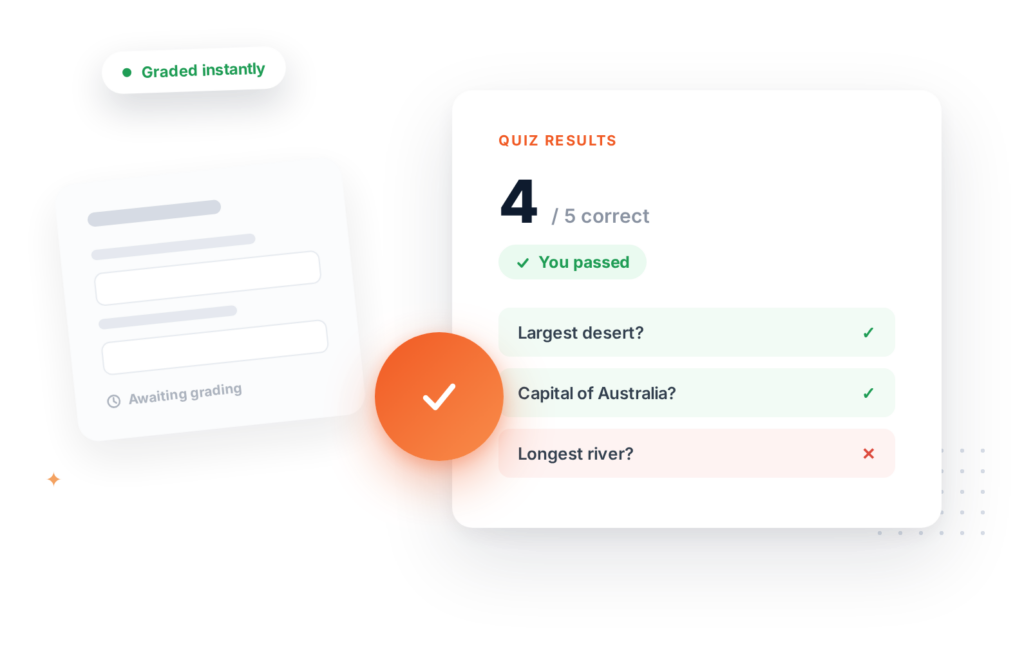
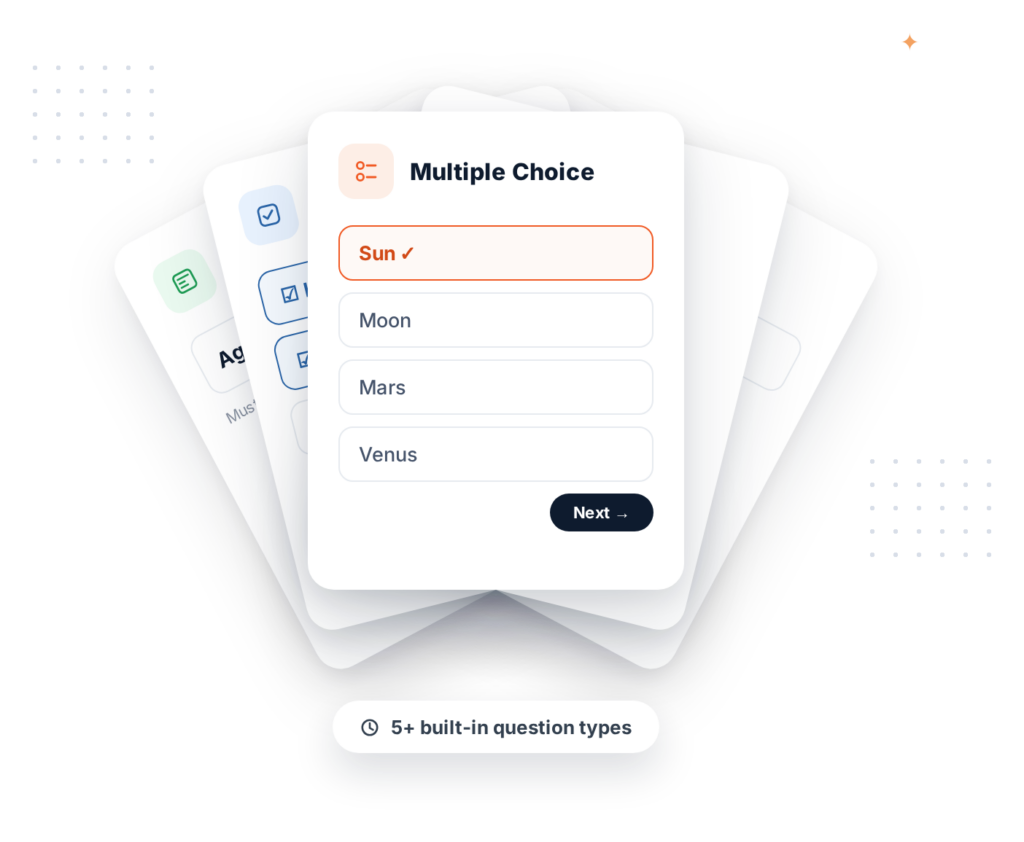
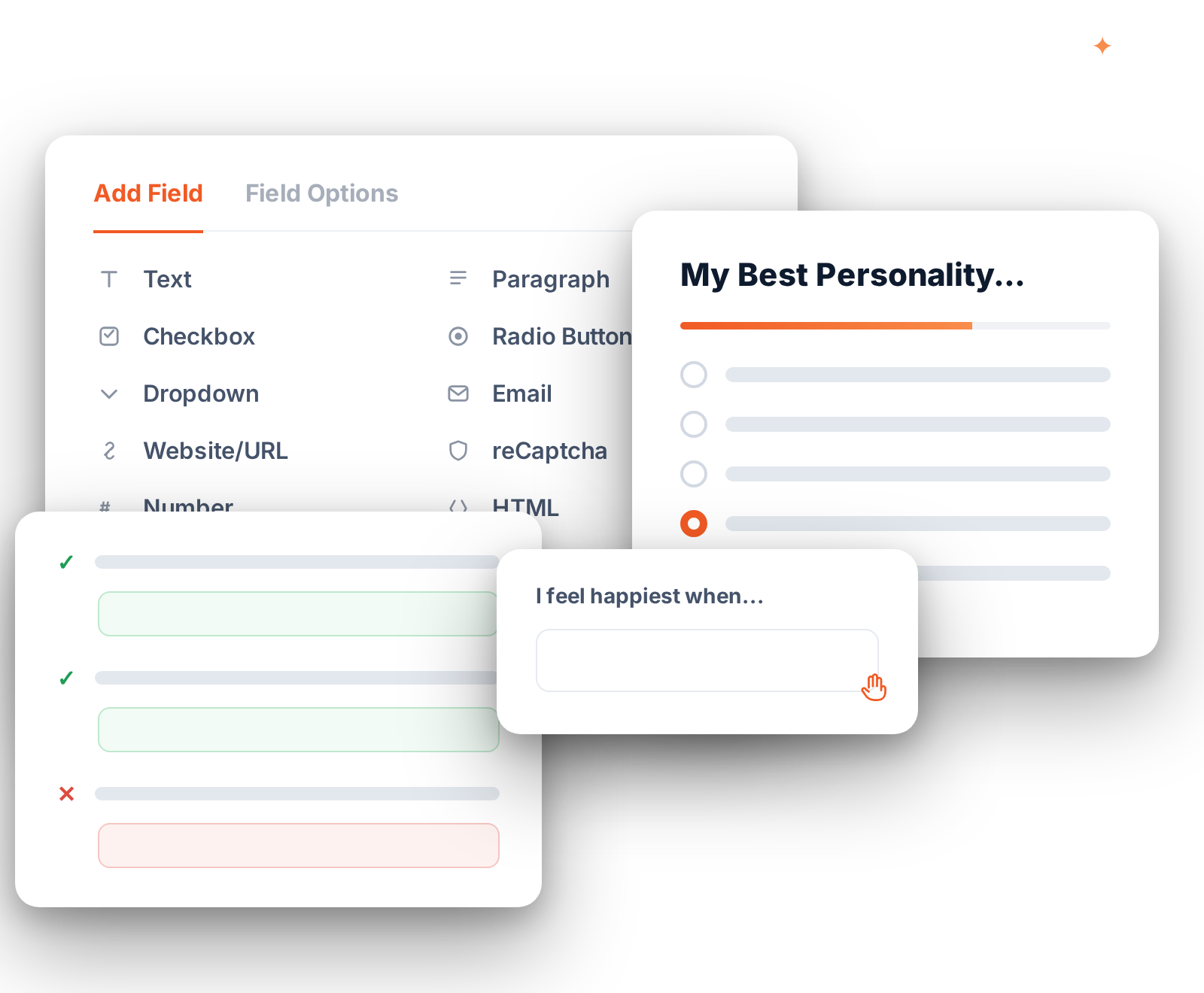
That range means it covers every quiz type in this guide from one drag and drop builder. Product recommendation quizzes, viral personality quizzes, scored assessments, and graded exams take minutes to build, and the pre-built templates get you most of the way there before you change a thing. Conditional logic shows or hides questions based on earlier answers, so each visitor moves through a quiz that feels personal and lands on a result tailored to them.

The payoff is that the quiz doesn't just entertain. Results flow straight into your list, your CRM, or a follow-up sequence, with no second plugin bolted on.

WordPress drag and drop form builder

Features

  • Drag and drop builder: choose the question type and arrange questions in minutes
  • Pre-built quiz templates to get up and running fast
  • Conditional logic for branching paths and personalized outcomes
  • User tracking, email integrations, and CRM connections for capturing leads

Pricing: Formidable Forms Lite is free on WordPress.org. The Quiz Maker add-on is included with the Business license ($199.50 for the first year, then $399 on renewal).

That's in line with the other premium quiz tools here (Thrive and LearnDash run about the same), but unlike a single-purpose quiz plugin, the one license also runs every other form on your site, so you're paying once for quizzes plus everything else.

Formidable Forms pro plans

Quiz and Survey Master

Quiz and Survey Master plugin for WordPress

Rating: 4.7 stars (1,200+ reviews) | 40,000+ active installations

When the goal is learning something about your audience rather than going viral, Quiz and Survey Master (QSM) is the one to reach for. You build quizzes and surveys in its own block editor, add timers, drop in images and video, and split a long quiz across pages so it never feels like a wall of questions.

A membership site that wants to know which topics readers care about most is a natural fit. With QSM you build a short survey, send each person to a results page tied to their score range, and capture their email through a built-in contact form as they finish. It connects to Mailchimp, ActiveCampaign, and Zapier, so those responses land in your list without a manual export.

The catch is that the features that make it a real research tool, like conditional logic, result exports, advanced reporting, and paid quizzes, all live in the premium add-ons. The free version is a capable starting point, just not a finished platform.

Features

  • Many question types, including multiple choice, true or false, and open-ended
  • Custom results pages for different score ranges
  • CSS hooks and custom text blocks for styling
  • Timers, media, multi-page quizzes, and email notifications

Pricing: Free version available, with premium add-ons. Paid quizzes (Stripe and PayPal) come through its payment integration add-on.

Quiz Maker by AYS

WordPress quiz maker plugin

Rating: 4.9 stars (580+ reviews) | 20,000+ active installations

Quiz Maker by AYS is the generalist of the group, and one of the strongest dedicated quiz plugins by the numbers: 20,000+ active installations and a 4.9-star rating across 580+ reviews, with updates landing regularly. It builds an unlimited number of quizzes, exams, and tests, with a wide spread of question types from multiple choice to fill-in-the-blank, text, and date-based answers, and no cap on questions or quizzes. If your needs are broad and you haven't settled on a quiz style yet, it's a safe starting point.

It suits any site that just needs dependable quizzes without a specialty, like a school posting weekly practice tests or a blog running a recurring trivia feature. You can add images, radio buttons, and checkboxes, and power users get question randomization and timers. Its integrations reach email tools, analytics, and CRMs, so a quiz can feed your list instead of only entertaining.

The trade-off is a complex interface. There are a lot of settings, and the more advanced ones sit on the paid plans. The free version is genuinely useful once you've learned where each setting lives.

Features

  • Many question types, including fill-in-the-blank, multiple choice, and text
  • Unlimited questions and quizzes
  • Time limits and question randomization
  • Email, analytics, and CRM integrations

Pricing: Free version available, with paid plans for advanced features.

HD Quiz

HD Quiz free WordPress quiz plugin

Rating: 4.9 stars (140+ reviews) | 7,000+ active installations

HD Quiz carries one of the highest ratings on WordPress.org, a 4.9-star score across 140+ reviews, and it earns it by doing the simple things well. It's the pick when you want a sharp-looking trivia or personality quiz with no learning curve. Drop one in with a shortcode or a block, and question randomization, question pools that build a fresh quiz on every load, weighted answers, and per-question time limits keep people engaged.

A blogger adding a "How well do you know this show?" quiz to a popular post is the ideal user: it lifts time on page and gives readers something to share. The quizzes inherit your theme's fonts and styling so they look native, they're fully responsive, and they're light by design, loading scripts only on pages that actually contain a quiz. Built-in translation lets you relabel buttons like "Next" and "Finish" for any language.

Its limit is depth. Advanced design control comes through the optional paid Styler add-on, and there are no native email or CRM integrations, so it's a great engagement tool rather than a lead-generation tool. For free trivia and personality quizzes, though, it's hard to beat.

Features

  • Multiple question types with question randomization
  • Time limits and weighted answers to keep visitors engaged
  • Built-in translation options
  • Lightweight, responsive design that inherits your theme styling

Pricing: Free. An optional Styler add-on adds advanced design control.

Interact Quiz Maker

Interact quiz maker banner

Interact Quiz Maker is built less for testing knowledge and more for winning customers. It comes with a deep library of templates you can recolor and rebrand in minutes, plus AI tools that draft a whole quiz from a topic when you'd rather not start cold.

Personalization is where it shines, especially for product recommendations. A skincare shop running a "Find your routine" quiz can send each visitor to a different result and a tailored product pick based on their answers, which tends to lift both engagement and sales. Native lead capture pushes those emails into your marketing tools, and the reporting shows how each quiz is performing.

The thing to know going in: Interact is a hosted service, not a self-contained plugin. Your quiz data lives on Interact's servers and you embed the quiz on your site rather than owning it outright. There's a free plan to start, but response limits and the better integrations nudge you toward a paid plan once a quiz takes off.

Features

  • Pre-built quiz templates to start fast
  • Branching logic for personalized paths
  • Native lead capture and detailed reports
  • Easy brand customization

Pricing: Free plan available. Paid plans start at $27 per month (billed annually).

Thrive Quiz Builder

Thrive Quiz Builder plugin banner

Thrive Quiz Builder exists to do one thing well: turn quiz takers into email subscribers. It comes with ready-made quiz formats and templates, and branching logic (Thrive's name for conditional logic) routes each visitor down a different path based on how they answer.

It shines for marketers and educators who already run an email-first funnel. A "What's your skill level?" quiz on a course landing page can sort visitors into beginner, intermediate, and advanced, then drop each group into the right nurture sequence automatically. What really sets it apart is the optimization layer: A/B test your questions and result pages, watch the analytics for where people drop off, and tune the quiz until it converts.

That power comes with trade-offs. There's no free version, and Thrive Quiz Builder works best inside the larger Thrive suite, so a one-off quiz on a non-Thrive site can feel like more plugin than you need.

Features

  • Custom designs and branching logic for any quiz you need
  • A/B testing on questions and result pages
  • Deep analytics for optimizing quiz content
  • Strong email marketing and CRM integrations

Pricing: No free version. The standalone plugin is $199 per year, or it's bundled into Thrive Suite at $299 per year.

LearnDash

LearnDash

LearnDash isn't a quiz plugin, and that's exactly the point. It's one of the best ways to turn WordPress into an online school, and quizzes are a core part of how it works. If your quizzes are graded assessments tied to lessons, not viral lead magnets, this is the tool you actually want.

The classic use case is a course where the quiz gates progress: a student finishes a lesson, passes the quiz, and only then unlocks the next module. You can build lessons, quizzes, and assignments quickly, set question banks and time limits, and issue certificates automatically. Because it also brings payment gateways, user profiles, and drip content, it doubles as a full course-selling platform, not just a quiz add-on.

The trade-off is scope. LearnDash is a complete learning management system, so it's overkill for a fun personality quiz or a quick lead-generation quiz on a marketing page, and there's no free tier to start with.

Features

  • Course creation tools for quizzes, courses, and assignments
  • Detailed student progress reports
  • Stripe and PayPal payment integrations
  • Certificates, user profiles, and drip content

Pricing: No free version. Paid licenses start at $199 per year for a single site.

Opinion Stage

Opinion Stage WordPress quiz plugin

Rating: 4.4 stars (270+ reviews) | 6,000+ active installations

Opinion Stage (listed on WordPress.org as "Quiz Maker, Poll Maker & Survey Maker by Opinion Stage") is the all-rounder for interactive content, equally at home with a quiz built to go viral and a scored quiz for onboarding new employees. Add timers, true or false questions, and scoring, and lean on the AI-assisted generator to get a usable draft fast.

It fits a media or eCommerce site that wants to publish interactive content on a regular cadence without much setup each time: generate a draft, tweak the questions, publish, and watch results land in a built-in dashboard. The tracking and analytics make it easy to see what's resonating when interactive posts are part of your traffic plan.

Like Interact, it's a hosted service, so your quizzes run on its platform and embed into your site, and the lead-generating features are gated. Higher response limits, email and CRM integrations, and conditional logic all sit on the paid plans, so the free version is great to start with but caps out as a quiz grows.

Features

  • Wide range of quiz types, including scored quizzes
  • AI quiz generation and ready-made templates
  • Built-in results dashboard
  • Quiz tracking and analytics

Pricing: Free version available. Paid plans add higher response limits, email and CRM integrations, and conditional logic.

Quiz Cat

Quiz Cat plugin banner

Rating: 4.7 stars (30+ reviews) | 5,000+ active installations

Quiz Cat is built for one outcome: quizzes people want to send to their friends. A drag and drop builder makes a test, trivia round, or personality quiz quick to put together, complete with images and custom result messages, and you can have something live in a few minutes.

It's made for the BuzzFeed-style quiz on a content site, the "Which character are you?" kind that readers share, which pulls referral traffic back to your pages. The back end is clean, the quizzes look good with most themes out of the box, and built-in analysis shows which quizzes land so you can make more of what works.

The free version covers the basics, but the features that turn a fun quiz into a marketing tool, like personality results, weighted answers, and email capture, sit in the premium tier. If lead generation is the real goal, budget for the upgrade.

Features

  • Drag and drop builder anyone can use
  • Gutenberg block and shortcode display options
  • Built-in analysis tools
  • Trivia, personality, and test formats

Pricing: Free version available. Premium adds personality quizzes, weighted answers, and email capture.

Watu Quiz

Watu Quiz

Rating: 4.7 stars (130+ reviews) | 3,000+ active installations

Watu Quiz leans hard toward the testing end of the spectrum. It builds exams, surveys, and quizzes where the grade matters: assign different point values per answer, randomize the question order, or pull a random set from a larger pool so no two attempts are alike. Publishing is just a shortcode on any page.

That makes it a natural fit for teachers and small businesses that need real assessments. A practice exam for a certification course is a good example: you want a fresh question set every time and a graded result at the end. It works well on phones, and, unlike many free quiz plugins, exports results so you can analyze responses in a spreadsheet.

The heavier lifting lives in the paid Watu Pro upgrade. Data exports, student logins, and the advanced grading and certificate options are all Pro features, so treat the free version as a solid quiz and exam builder rather than a complete assessment system.

Features

  • Many question types with different point systems per answer
  • Question randomization and pooling
  • Result exports for deeper analysis
  • Email and social sharing of results

Pricing: Free version available. Watu Pro adds data exports, student logins, and advanced grading.

Quill Forms

Free WordPress quiz plugin, Quill Forms

Rating: 4.8 stars (40+ reviews) | 3,000+ active installations

Quill Forms makes quizzes that feel like a conversation. Instead of stacking every question on one screen, it asks one at a time, Typeform-style, with a full-screen animated flow that keeps people moving to the end. It's colorful, modern, and quick to build.

That format is exactly why it works as a lead magnet. A "Which plan is right for you?" quiz on a landing page uses that smooth, one-question pace to lift completion rates, then asks for an email at the end in a way that feels natural, not pushy. The free version handles a lot of this out of the box.

Reach for it if you love the Typeform experience but want to keep your data on your own site. The trade is that the features that make it a true quiz engine, like jump logic, the calculation engine that scores answers, payments, and the bigger integrations, all live in Pro, so the free tier is more about the feel than the scoring.

Features

  • Conversational, one-question-at-a-time layout
  • Colorful, eye-catching quiz designs
  • Lead-generating forms and quizzes
  • Unlimited forms on the free version

Pricing: Free version available. The Pro version adds jump logic, a calculation engine for quizzes, payments, and integrations.

How to choose

Match your situation to the right tool:

  • You want one plugin that handles quizzes, forms, payments, and displaying the data afterward. Formidable Forms. It's the answer for most readers here, whether you're building a viral personality quiz, a product recommender, a paid trivia contest, or a graded onboarding exam.
  • You're running an online school or selling courses. LearnDash.
  • Your only goal is growing an email list. Thrive Quiz Builder is purpose-built for it.
  • You want a free option that just works. HD Quiz, or one of the other free picks like Quiz Maker, Opinion Stage, or Quill Forms.
  • You need pay-to-play trivia. Formidable Forms handles full payment workflows with Stripe and PayPal, and Quiz and Survey Master adds payments through its integration add-on.

For most WordPress sites, Formidable Forms is the answer. It covers every quiz type on this list, scales into full applications if you ever need it, and keeps your data on your own site where it belongs.

Pick one and publish it this week

Pick a plugin, build a quiz, and publish it this week. If you want one plugin that grows with you from a simple trivia quiz to a full product recommendation engine with payments and a results database, our guide to creating an interactive quiz in WordPress walks through the build step by step.

Ready to build a quiz that grows with you? Get started with Formidable Forms today.

Formidable Forms Pro Feature
What is the best free WordPress quiz plugin?

For pure trivia and personality quizzes with no upsells, HD Quiz is the best free option. For audience surveys and research, Quiz and Survey Master's free version is the most flexible. Both let you publish a real quiz without paying anything.

Can I make money from a WordPress quiz?

Yes, in two ways. Build a paid quiz where visitors pay to access the questions (Formidable Forms handles Stripe and PayPal, and Quiz and Survey Master adds payments through an add-on). Or use a free quiz as a lead magnet that feeds into your email list and sales funnel, which is what most marketers do.

Can quizzes use conditional logic?

Several plugins support it. Formidable Forms, Thrive Quiz Builder, and Interact all have branching paths where the next question or the final result changes based on earlier answers. This is what makes a product recommendation quiz feel personalized rather than generic.

What about BuzzFeed-style viral quizzes?

Quiz Cat, HD Quiz, and Opinion Stage are all built around the viral sharing model. Formidable Forms can also build a BuzzFeed-style quiz with its drag and drop builder and outcome templates, with the bonus that you can connect the results to a CRM or sales follow-up sequence.


This article may contain affiliate links. Once in a while, we earn commissions from those links. But we only recommend products we like, with or without commissions.

Complete your purchase
Don't forget your purchase!
Complete Purchase
Join 400,000+ using Formidable Forms to create form-focused solutions fast. Get Formidable Forms